> ## Documentation Index
> Fetch the complete documentation index at: https://docs.brewit.money/llms.txt
> Use this file to discover all available pages before exploring further.

# One-click Onboarding

> Start your crypto adventure in seconds.

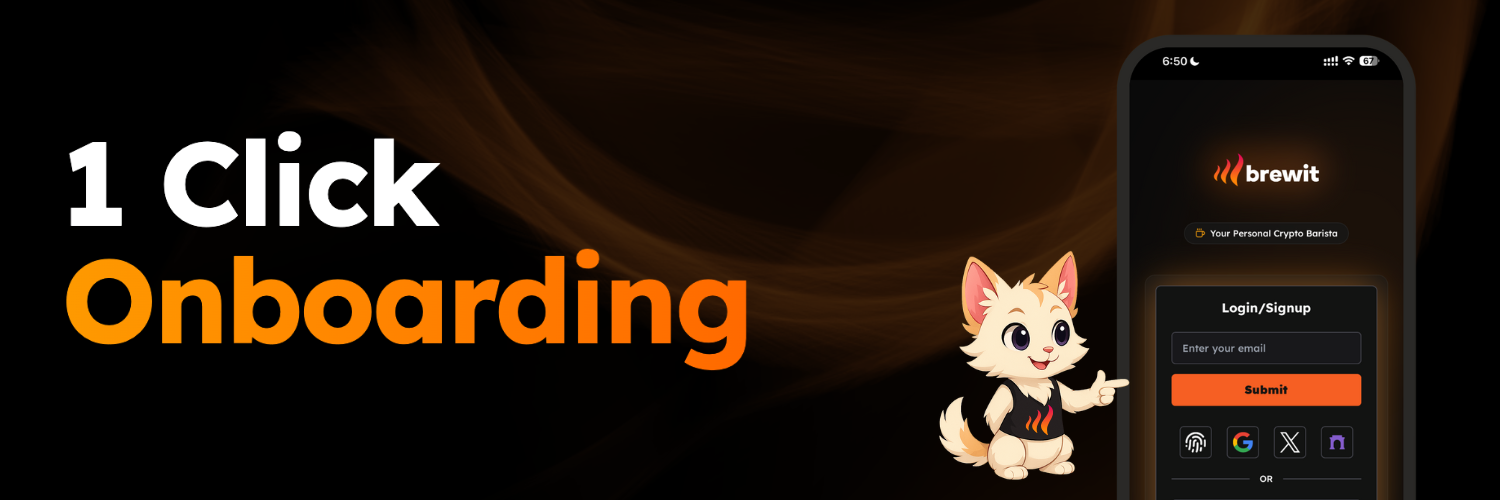
<img src="https://mintcdn.com/brewit-3af9b52e/03gxXGHuInyTTae5/images/onboarding.png?fit=max&auto=format&n=03gxXGHuInyTTae5&q=85&s=08e2fe93749f9d3c305d8816b7b7e9b3" alt="Onboarding" width="1500" height="500" data-path="images/onboarding.png" />

## Get started in seconds

Sign up with social logins, email, or even a passkey on your phone — no complex setup, just tap and go.

<Steps>
  <Step title="Login/ Signup">
    <p>
      Login with your existing email address, social media accounts or a passkey on your phone.
    </p>

    <div className="relative aspect-video rounded-xl overflow-hidden my-8">
      <iframe width="100%" height="100%" src="https://assets.brewit.money/flow/5.mp4" frameBorder="0" allowFullScreen className="absolute inset-0" />
    </div>
  </Step>

  <Step title="Access on any device">
    <p>
      Access your account from any device with the same login credentials whether you are on desktop, mobile or tablet.
    </p>

    <div className="relative aspect-video rounded-xl overflow-hidden my-8">
      <iframe width="100%" height="100%" src="https://assets.brewit.money/flow/1.mp4" frameBorder="0" allowFullScreen className="absolute inset-0" />
    </div>
  </Step>
</Steps>

### Supported login mechanisms:

1. Signin with your existing email address.
2. Signing using your Google, Twitter or Fascaster accounts
3. Use your phone or devices passkey using either fingerpring or face id scan
4. Use any of your exising wallets if you are familiar with such as MetaMask Rabby (Use this if you are sure your crypto wallets are secure)
