> ## Documentation Index
> Fetch the complete documentation index at: https://docs.brewit.money/llms.txt
> Use this file to discover all available pages before exploring further.

# Built-In Security

> Powered by battle-tested Safe smart accounts

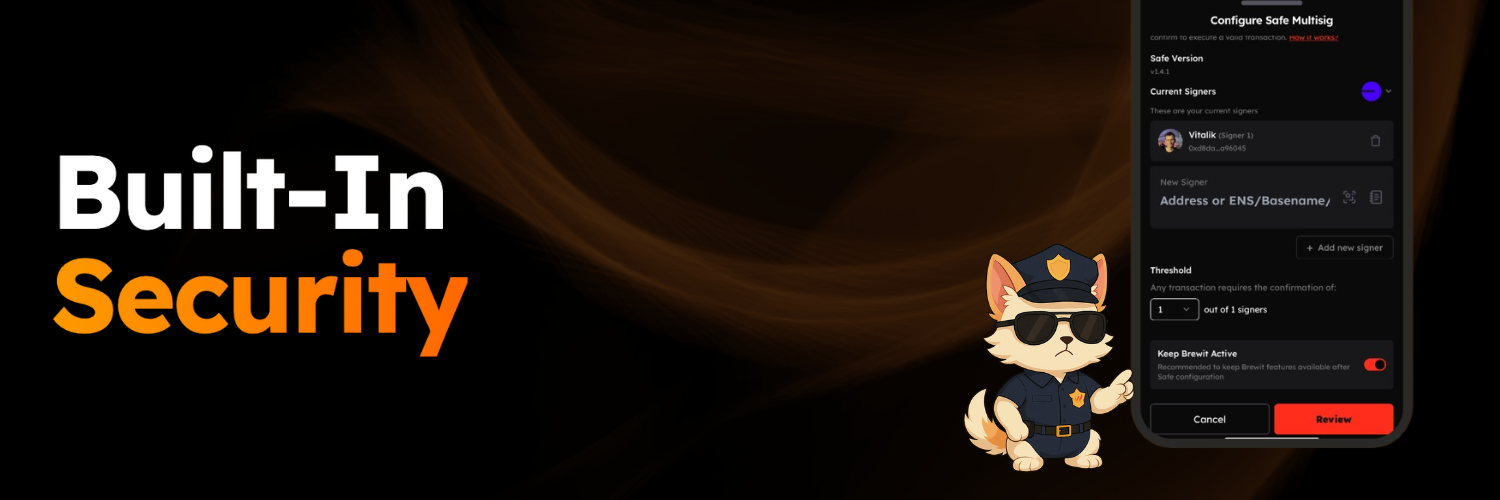
<img src="https://mintcdn.com/brewit-3af9b52e/03gxXGHuInyTTae5/images/security.png?fit=max&auto=format&n=03gxXGHuInyTTae5&q=85&s=f8c0f1e8d039b3b9f3bdd42ab1b14f63" alt="Security" width="1500" height="500" data-path="images/security.png" />

Your Brewit account is secured by a rock-solid Safe smart account — trusted across the crypto ecosystem.

Looking for even more protection? Easily upgrade to a multisig setup, just like the ones used by top industry players.

<Steps>
  <Step title="Add new signers for your Safe Multisig">
    <p>
      Add new signers for your Safe Multisig to use a different owner as signer.
    </p>
  </Step>

  <Step title="Update the signer threshold">
    <p>
      Update the signer threshold for your Safe to make it either single signer or multisig account.
    </p>
  </Step>
</Steps>

<div className="relative aspect-video rounded-xl overflow-hidden my-8">
  <iframe width="100%" height="100%" src="https://assets.brewit.money/flow/3.mp4" frameBorder="0" allowFullScreen className="absolute inset-0" />
</div>

<Note>
  The configuration will be applied to the current network you are using Brewit on.
</Note>

### Progressive Security for Your Account

1. Every Brewit user starts with a secure Safe smart account.
2. Perform all actions in Brewit with seamless, user-friendly authentication flows.
3. When you're ready, enable multifactor authentication for added protection.
4. Upgrade to a Safe multisig setup to boost security and unlock compatibility with Safe{Wallet}.

### Configure Safe Account

Your Safe account can be configured to use a different owner as signer. On Brewit, this can be done by clicking on the "Security" tab and then configuring the signers and signer threshold.

### Exit Brewit

Moving from one crypto wallet to another? You can exit Brewit by clicking on the "Exit Brewit" under the "Security" tab and selecting the new crypto wallet you want to transfer all your assets to.
Currently, you need to do this for each network you are using Brewit on.

### Multifactor Authentication

Coming soon!

### Account Recovery

Coming soon!
